

Workroom
Workroom, designer, small shop
249 PLNnet / month
- Visualisations a month
- 150
- Users
- 3
- Extra visualisations
- pack of 100 for 190 PLN
The virtual curtain fitting
Take a photo of the customer's window, pick a fabric from your own catalogue and choose the sewing style. About a minute later you are showing a realistic visualisation – while you are still talking.
For curtain showrooms, sewing workrooms and interior designers.
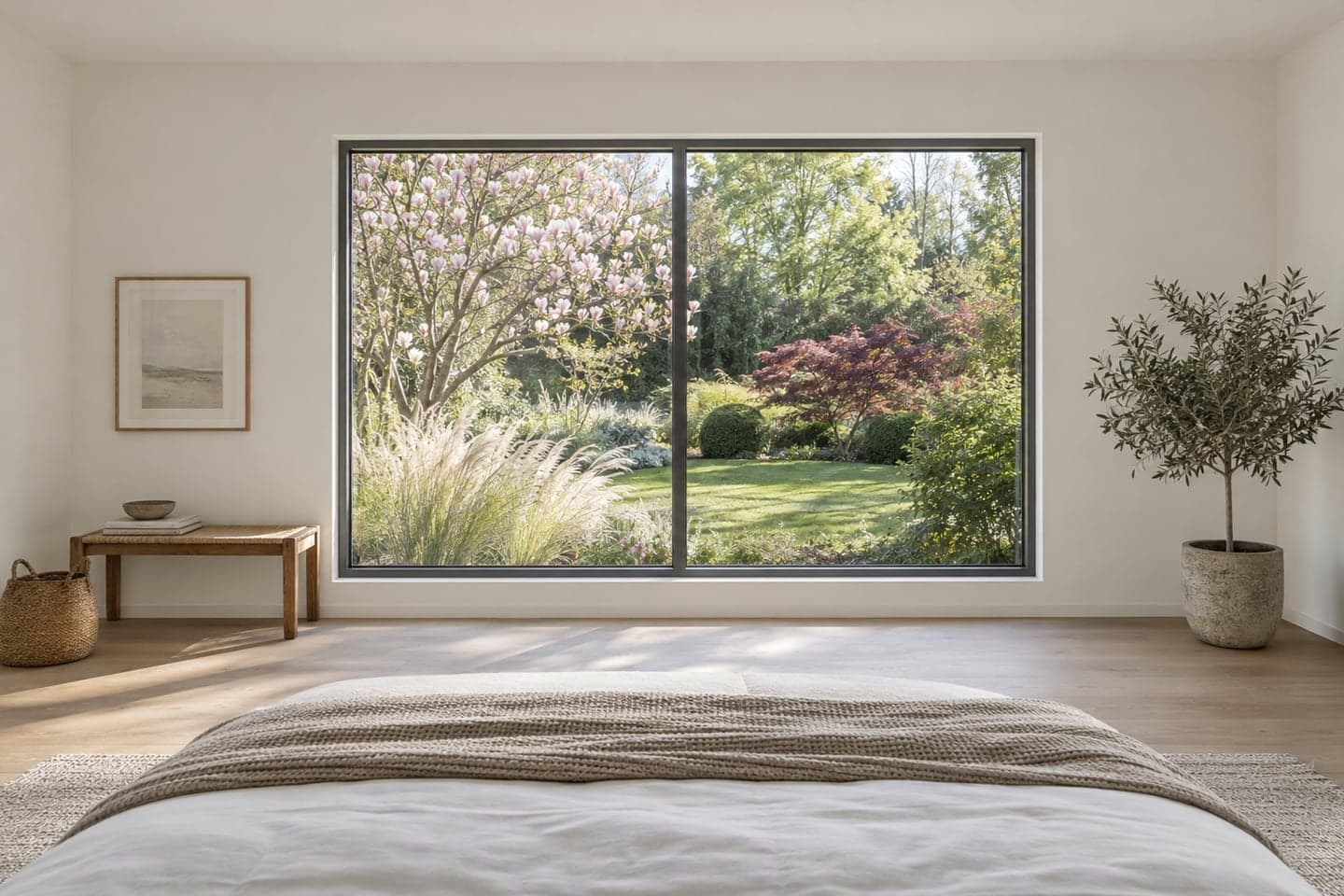
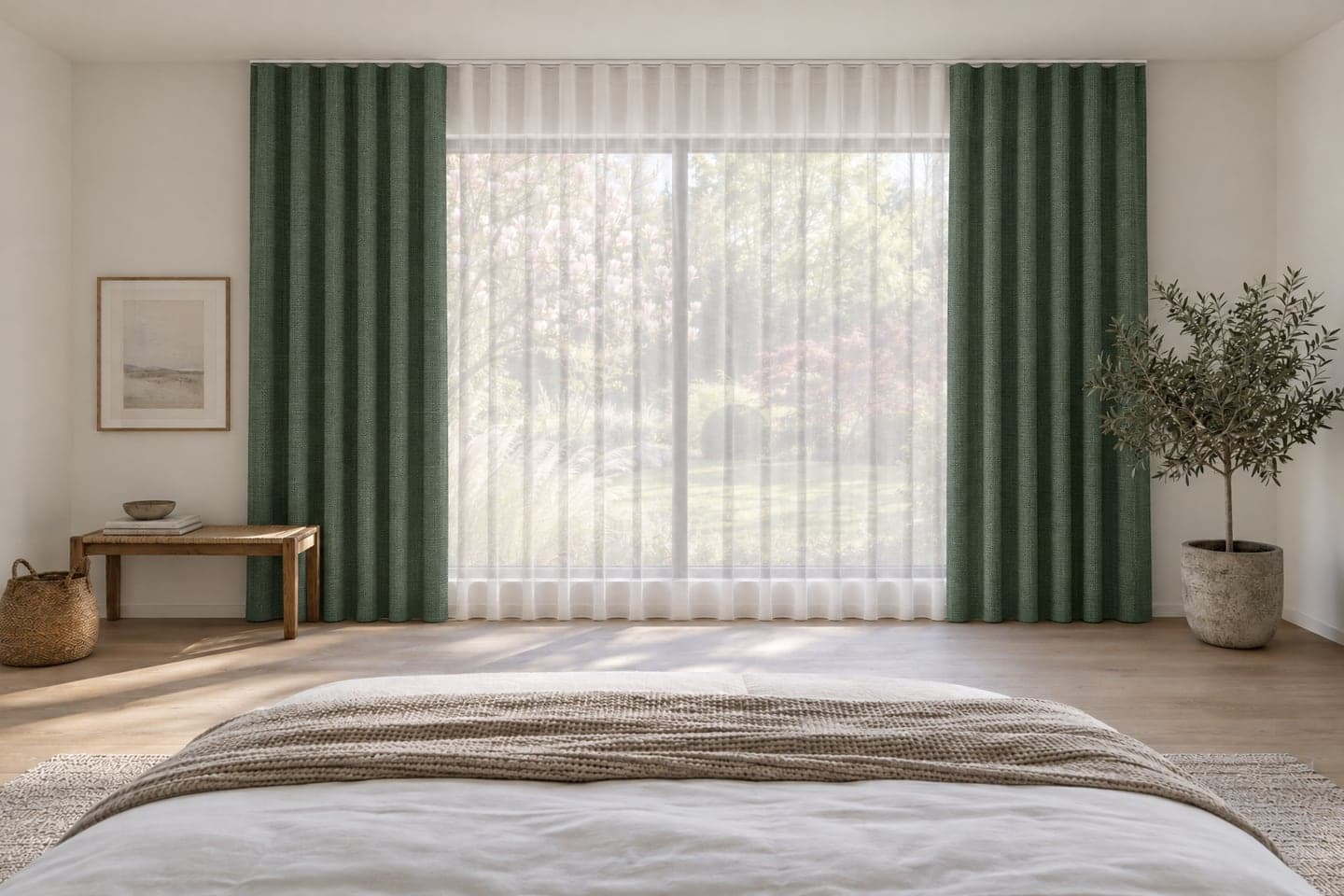

Green weave + white voileWave · To the floor


Your customer is holding a piece of cloth and trying to picture a whole wall of it: gathered, in their own light, next to their own sofa. Most of us cannot do that.
So you hear “I need to think about it”. Or they choose the safe beige. Or they show you a photo from the internet – someone else's living room, in a fabric you do not stock.
You know how it will look. Now you can show it.
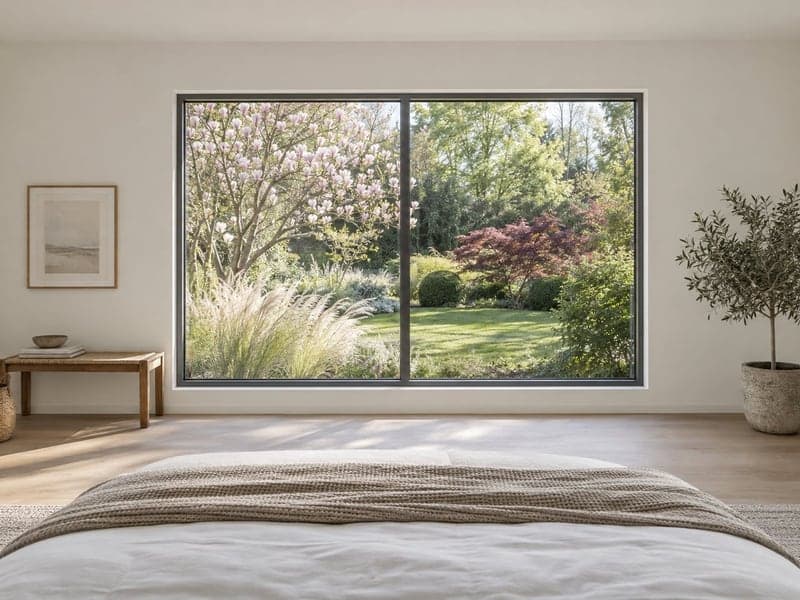
Take one, or ask the customer for a photo from their phone. Straight on, in daylight, works best.
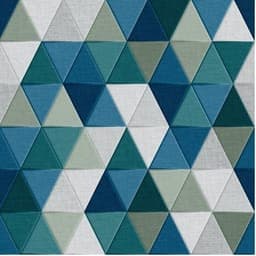
Pick a fabric from your catalogue. Then what you will actually sew: curtains, sheers or blinds, the heading, the fullness, the length and the rail.


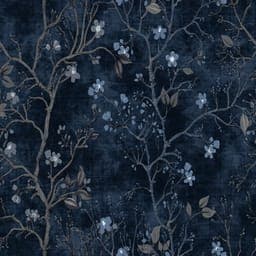


Green weave + white voile
About a minute later the customer sees their own window in that fabric. Change the fabric or the style and show another version.
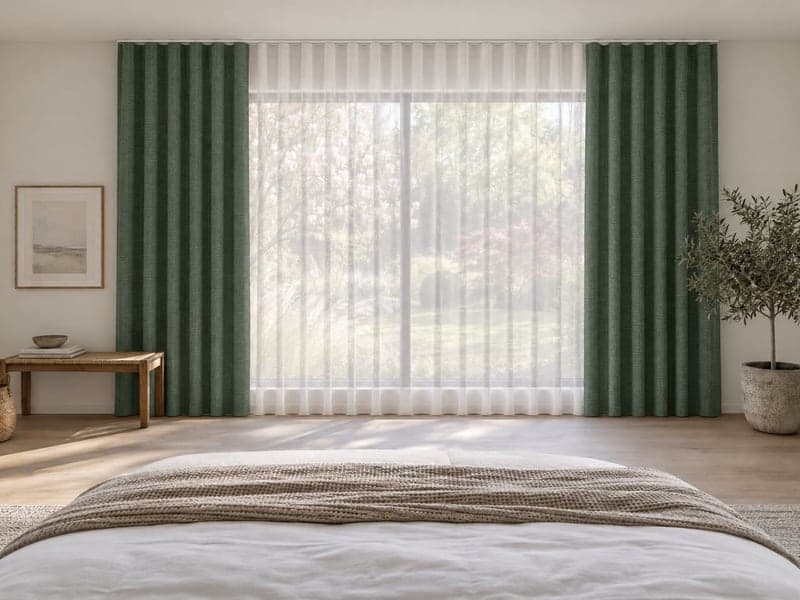
The visualisation is made on the photo of the customer's room. The room stays the same – what hangs in the window changes.
You add fabrics to your own catalogue. A photo of the sample is enough. You show what is on your hangers.
Wave, flex pleats, pencil pleat, smocked tape, inverted pleat, eyelets. Fullness from 1:1.5 to 1:3. To the sill, below the sill, to the floor. Ceiling track, concealed track or wall pole.
Curtains alone, curtains with sheers, sheers alone, roman and roller blinds.
Save the window photo and every version under the customer's name. Come back to them when they call next week.
On a tablet or a laptop. Nothing to install.
Send the visualisation so the customer can show it at home. No login, with your showroom's name on it.
The same sheer on tape and on eyelets. Linen and velvet. The customer compares and chooses.
Give your dealer showrooms a tool that shows your fabrics in their customers' windows.
That is why every visualisation the customer receives carries the note:
“For illustration only. Actual appearance, colour and drape may differ.”
No per-person fees. Prices are net, plus 23 % VAT.
Workroom, designer, small shop
249 PLNnet / month
One showroom
449 PLNnet / month
A busy showroom or up to 3 locations
899 PLNnet / month
Priced individually.
It is an illustration. It shows how a fabric and a sewing style suit the room: colour, pattern, the character of the arrangement. Folds, pattern placement and proportions may differ from the sewn curtains. Measurements and the order still come from your survey.
Yes – the visualisation is made from the photo of the fabric in your catalogue, not from a stock library. The better the photo of the sample, the closer the result. The customer still judges exact shade and texture on the sample.
An ordinary phone photo. Straight on, in daylight, with the whole window and a bit of floor, works best. If something already hangs in the window, you can still try.
About a minute from the click to the picture.
Curtains, sheers, curtains with sheers, and roman and roller blinds. You choose the heading (wave, flex pleats, pencil pleat, smocked tape, inverted pleat, eyelets and more), the fullness, the length and the mounting: ceiling track, concealed track or wall pole.
In a browser – on a tablet, laptop or desktop. Nothing to install. You need an internet connection.
No. Start with the fabrics you sell most. Add others when you need them – including during a conversation with a customer.
This question deserves a full answer, so we give it in the demo: where the photo is stored, who processes it, how to delete it and which agreement we sign. Please use photos without people in them.
No. Woala is a tool for the salesperson and the designer. The customer looks at the result – in the showroom or on their own phone.
Yes. Distributors and chains can offer it to their showrooms under their own name, with their own logo and catalogue.
From 249 PLN net a month for a workroom and 449 PLN net for a showroom. You can try it first: 14 days and 50 visualisations.
Book a demo. In 30 minutes we will show you how it works on sample rooms and fabrics and answer your questions.
Tell us who you are and when suits you. We will reply to set a time.
Write to usor write to kontakt@woala.pl